

|
Be the first user to complete this post
|
Add to List |
VBA-Excel: Launch Mozilla Firefox using Microsoft Excel.
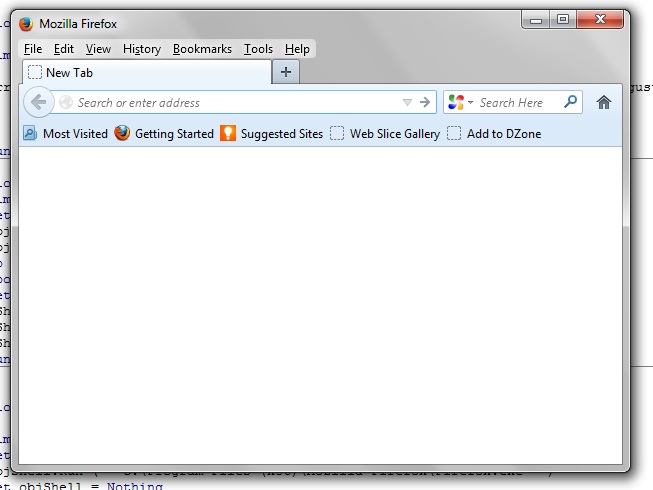
To launch the Mozilla Firefox using Microsoft Excel, follow the steps mentioned below
Steps:
- Create the object of WScript Shell
- Call WScript.Shell Run() Function and provide the complete path for FireFox.exe
- Set the object of WScript Shell to Nothing
Complete Code:
Function FnLaunchFF()

   Dim objShell

   Set objShell = CreateObject("WScript.Shell")

    objShell.Run ("""C:\Program Files (x86)\Mozilla Firefox\Firefox.exe""")

   Set objShell = Nothing

End Function
Also Read:
- VBA-Excel: Format the Existing Table in a Word document
- Excel-VBA : Prevent Adding New Worksheet
- VBA-Excel: Working with Bookmarks- Insert text before Bookmark
- Send Mail With Multiple Different Attachments From MS Outlook using Excel.
- VBA-Excel: Working with Microsoft Word